 Calenn
· 4 min read
Why Calenn Doesn’t Let You Change Calendar Colors
Changing calendar colors sounds handy—but in practice it often creates confusion (different behaviors across apps), inconsistency across devices, and clashes with the native palette. This post explains why Calenn doesn’t include per-calendar color customization, and how its Color Styles let you refresh the look while keeping harmony and consistency.
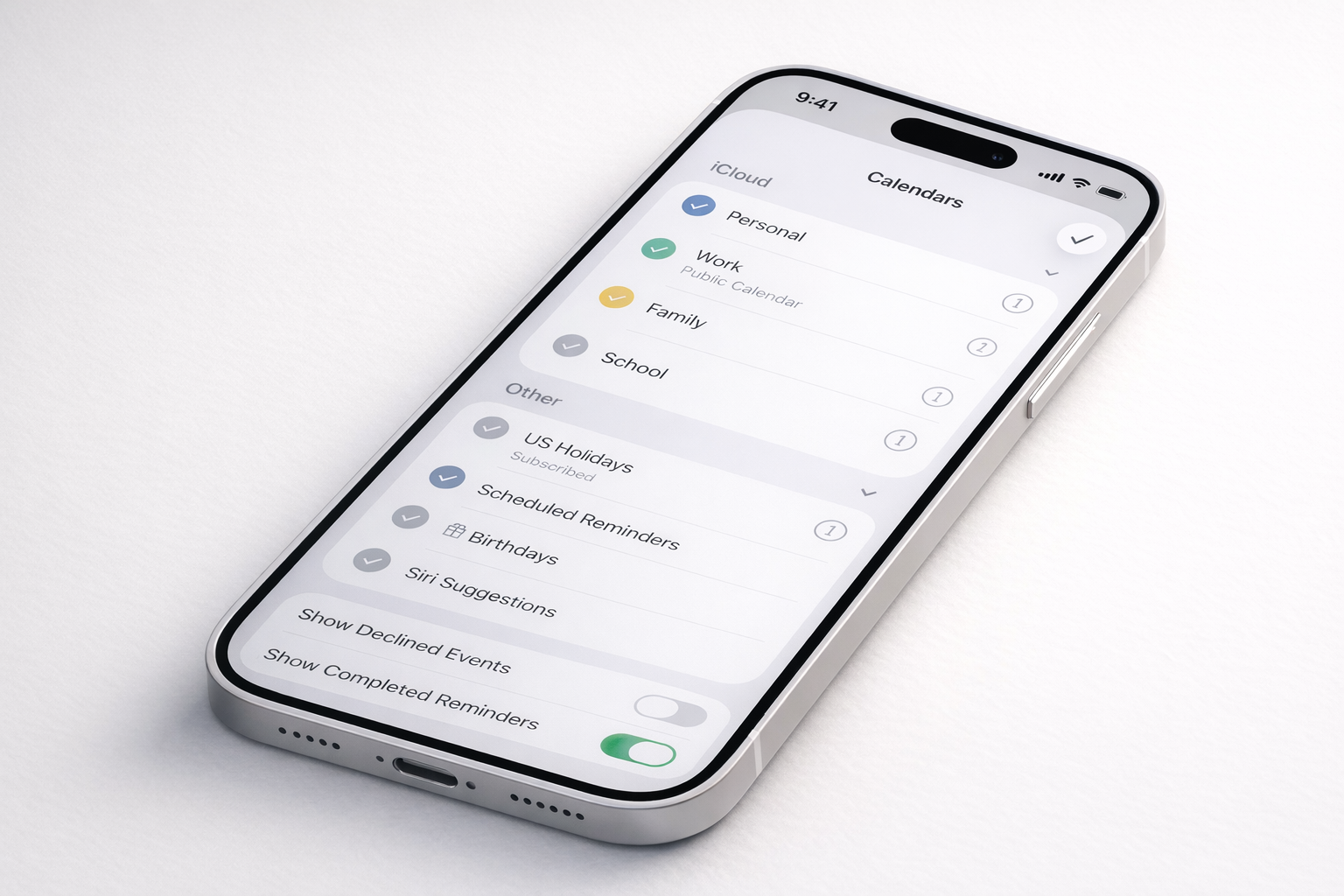
Why Calenn Doesn’t Offer a “Calendar Color Customization” Feature
Many iOS calendar apps allow you to assign a color to each calendar.
At first glance, this feels like an obvious and useful feature. Different colors make it easy to distinguish work, personal life, family events, and more.
So why doesn’t Calenn include per-calendar color customization?
The short answer is: because adding it creates more problems than it solves.
This article explains the design reasoning behind that decision.
Two Different Behaviors, One Big Source of Confusion
In existing calendar apps, calendar color settings usually work in one of two ways.
App-local color changes
Colors are changed only inside that app. The original calendar source (Apple Calendar or Google Calendar) remains untouched.Source-syncing color changes
Changing a calendar’s color in the app also updates the color in Apple Calendar or Google Calendar.
The problem is that, in most cases, users don’t know which behavior an app uses until they try it.
- “I only wanted to change the color in this app, but my calendar colors changed everywhere.”
- “Why does this calendar look different on my Mac than on my iPhone?”
The existence of two competing behaviors means one thing:
users’ expectations are not unified.
Some users expect local changes. Others expect global changes. Whichever behavior an app chooses, it will inevitably betray the expectations of the other group.
From a UX perspective, this is a fundamental design conflict.
Problem 1: Unclear Mental Models
When an action’s outcome is unpredictable, users lose trust.
Calendar colors are not a purely visual preference—they affect how people understand and interpret their schedule. If users can’t reliably predict what will happen when they change a color, the feature becomes a liability.
Rather than forcing users to guess how the app behaves, Calenn avoids introducing that ambiguity in the first place.
Problem 2: Loss of Visual Consistency Across Devices
With app-local color changes, the calendar may look one way on your iPhone and another on your Mac, browser, or other calendar apps.
Calendars are tools for overview and clarity.
When visual cues differ depending on where you look, that clarity breaks down.
Consistency across devices and platforms is more important than per-app customization.
Problem 3: Breaking Color Harmony
Apple Calendar and Google Calendar both provide carefully designed color palettes. These palettes are not arbitrary—they are built so that any combination of selected colors remains visually balanced.
When an app introduces its own custom color system and pushes those colors back to the source calendar:
- The result may clash with the platform’s visual language
- Multiple calendars can easily become visually unbalanced
- Users are forced to “design” a color system themselves
Maintaining harmonious colors across several calendars requires taste and effort. In most cases, it’s better to rely on the palette designed by the platform itself.
The Conclusion: Why Calenn Doesn’t Change Calendar Colors
Adding calendar color customization at the app level introduces:
- Confusion about behavior
- Inconsistency across environments
- A higher risk of visual disharmony
For these reasons, Calenn intentionally does not allow direct calendar color changes.
If you want to change calendar colors, the best place to do that is in the source app—Apple Calendar or Google Calendar—where the change is explicit, predictable, and consistent everywhere.
What If You Just Want a Different Feel?
Sometimes, you don’t want to change individual calendar colors.
You just want the app to feel different today.
That’s exactly why Calenn includes Color Styles.
Color Styles work differently:
- Calendar colors themselves stay untouched
- The overall tone and atmosphere of the UI changes instead
For example:
- Pale: softer, lighter, calmer
- Vivid: clearer contrast and sharper definition
This approach lets you refresh the visual mood while preserving harmony and consistency across all calendars.
Design Is About What You Don’t Add
Calendars are something you look at every day.
That’s why Calenn prioritizes predictability, consistency, and calmness over surface-level customization.
Sometimes, the most thoughtful design choice is not adding a feature—but deciding why it shouldn’t exist.